FOR JUDGES
Running a stadium
You are judging matches at an event. This walks through claiming a stadium, taking a match, and scoring it — and you can practise the whole scoring flow before you arrive.
Quick reference
One pageXtreme 3 · Over 2 · Burst 2 · Spin 1 — Early Bey Touch scores 3 for the other player. A second launch error scores 1 for the other player.
Own Finish is 1 point — Only for Xtreme and Over, when nobody made contact. Never for Burst or Spin.
Launch position is a coin flip — Rock-paper-scissors is not used. The app flips for you.
Usually nothing happens between battles — You score a battle and go straight back to scoring. A side-choice screen only appears if the organizer turned that rule on.
Your work is saved — If your phone locks or dies mid-match, reopen the match and it is still there.
Something wrong? Tell the organizer — Judges cannot undo a submitted score. The organizer can.
Practise before the event
There is a full practice mode at tourna.gg/judge. It runs the exact same scoring screens as a real match, but it is not attached to any event, so nothing you tap counts. Set up a pretend match, score it, and get the rhythm of the buttons.
If you do one thing before the event, do this. Ten minutes here is worth more than reading the rest of this page.
Getting judge access
The organizer marks you as a judge. You do need an account, because every score is recorded against the person who entered it — that is what makes the results auditable afterwards.
Once you are marked, the event page gains a Judging link. That is your home for the day.
You can judge and compete in the same event
Most Beyblade events are run by people who are also playing. When your own match comes up, step off your stadium — the next judge in line is told it is free.
Claim a stadium
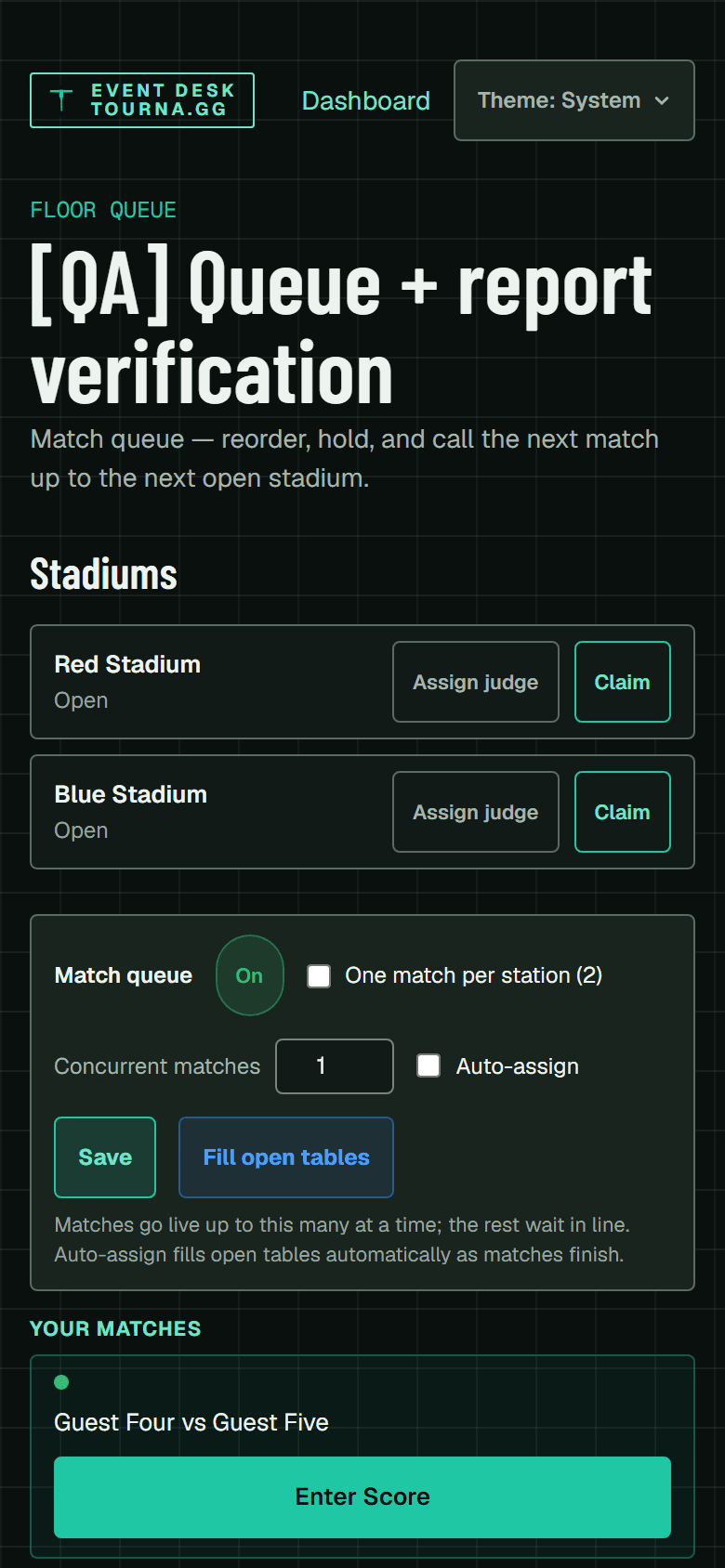
Stadiums are listed on the judging board with whoever is on them. Claiming one tells everybody else where you are, and it is how matches find their way to you.
Open the judging board
From the event, tap Judging. You will see every stadium and who is on it.Claim a free stadium
Tap the stadium you are standing at. It is now yours until you release it.Or queue behind someone
If every stadium is taken, join the queue for one. When that judge steps off, you are notified that the stadium is yours.
Take a match
Matches waiting to be played sit in the queue. Depending on how the organizer set the event up, they are either handed to you automatically or you pull them yourself.
Pick the next match
Tap Judge this on a queued match to bring it to your stadium.The players are called
Both players get a notification telling them which stadium to go to. You do not need to shout across the room.Check who is in front of you
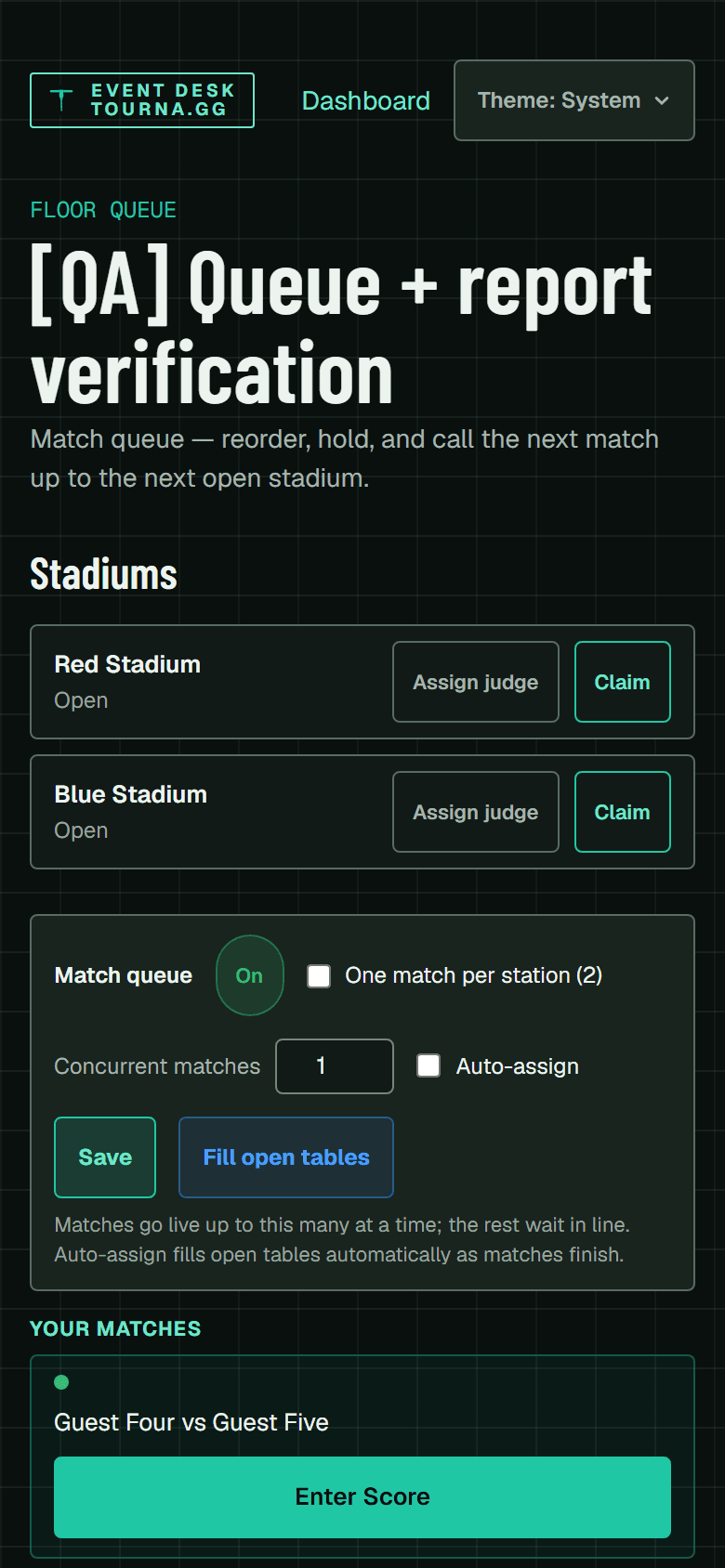
The names on screen are the two players who should be at your stadium. If they are not, do not start — find the organizer.
Being called to a table
A table that needs a ruling can raise a judge request rather than sending somebody to find you. Open requests appear on the judging board; claiming one tells the other judges you have it, so two of you do not walk to the same table.
The button is on the match screen you are already looking at, and on a player's own app. A guest cannot raise one for themselves — the player app needs an account, and most people at an event do not have one — so if you are running the table, you raise it on their behalf. At a small event that is frequently one of the two players scoring their own match.
Run the match
The app walks you through it. You will not have to remember the order.
Confirm who is in front of you
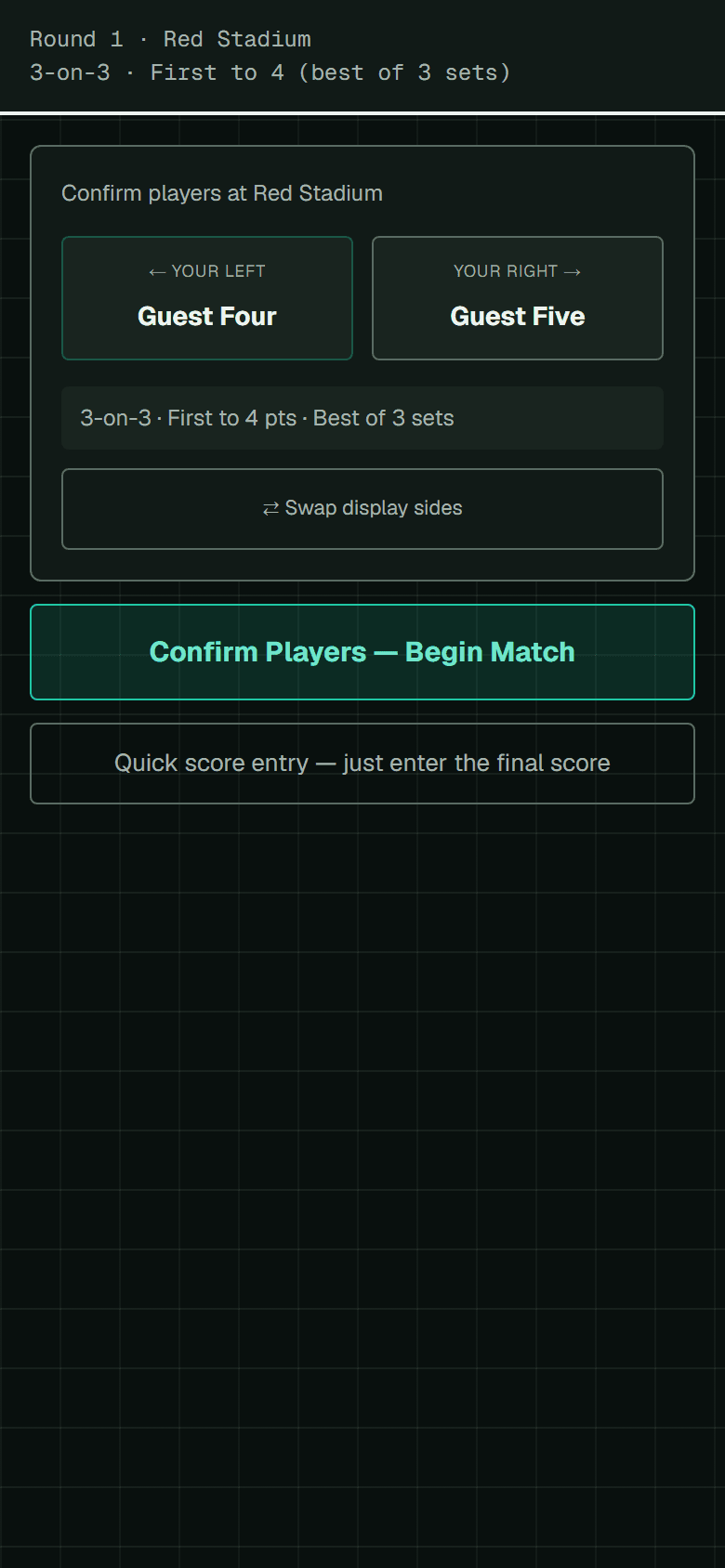
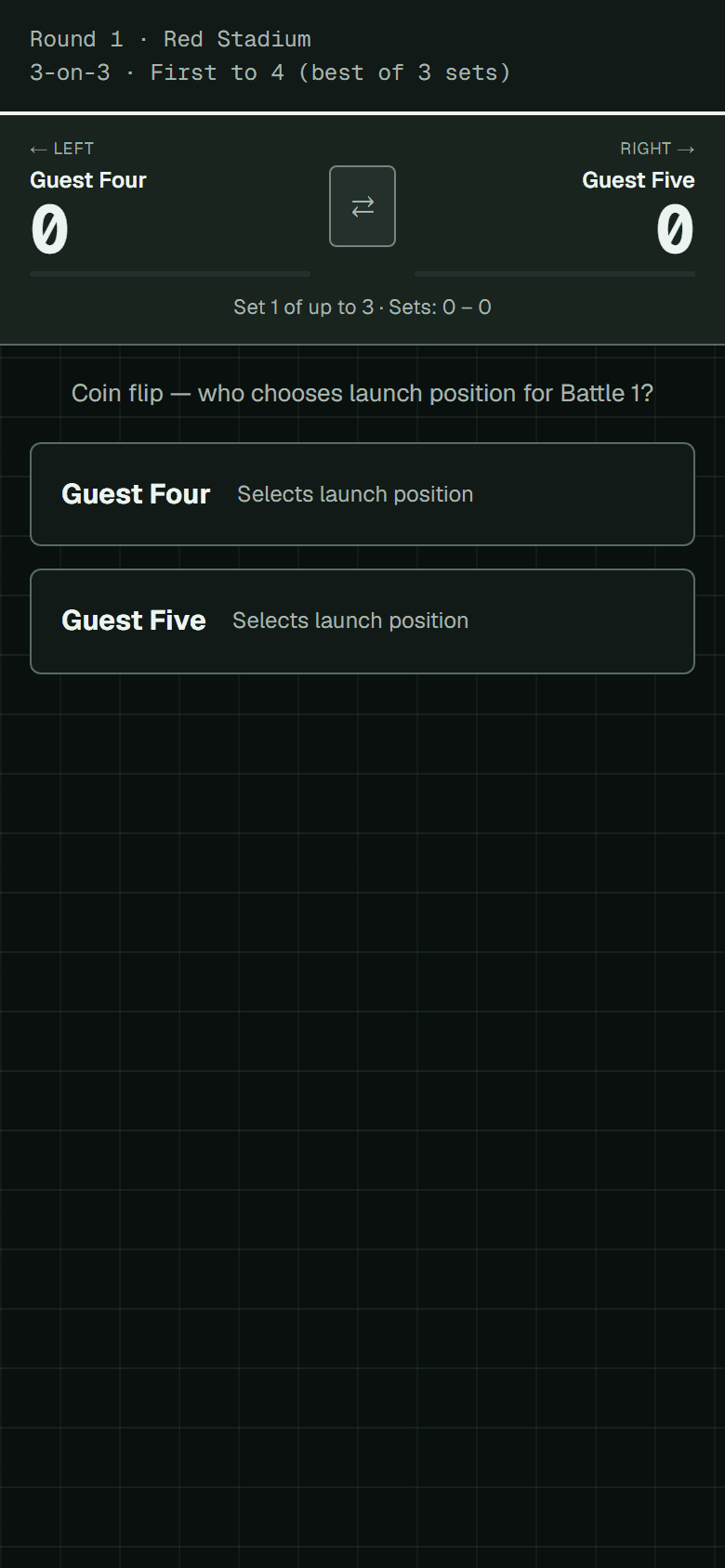
The first screen names both players and which side of the stadium each is on. Check it against the two people actually standing there before you begin.Coin flip for launch position
The app asks who won the flip; that player chooses their launch position.Not rock-paper-scissors
RPS was removed from WBO rules. If a player asks to settle it that way, the coin flip is the answer.
Score each battle
After every battle, tap the finish under the player who scored it. The running score updates as you go.Between battles — usually nothing
Score a battle and you land straight back on the scoring screen, with the running score, any pending penalty and Undo Last already in front of you. Most events never show you anything else.Unless a side rule is on
Loser Picks Side and Swap Sides are optional rules the organizer chooses per event. If either is on you get a card between battles — tap the loser's choice, or confirm the swap. If both are on, the loser's choice decides the seating and Swap Sides does not ask again.
A battle that ends the set always stops, whatever the rules, because that leads to the match result or a fresh coin flip.
Keep going until the match is won
The header shows the format and target — for example 3-on-3 · First to 4 (best of 3 sets). Your organizer sets this, so trust the screen over this page.Submit
When the match is complete, submit it. That is your part finished.
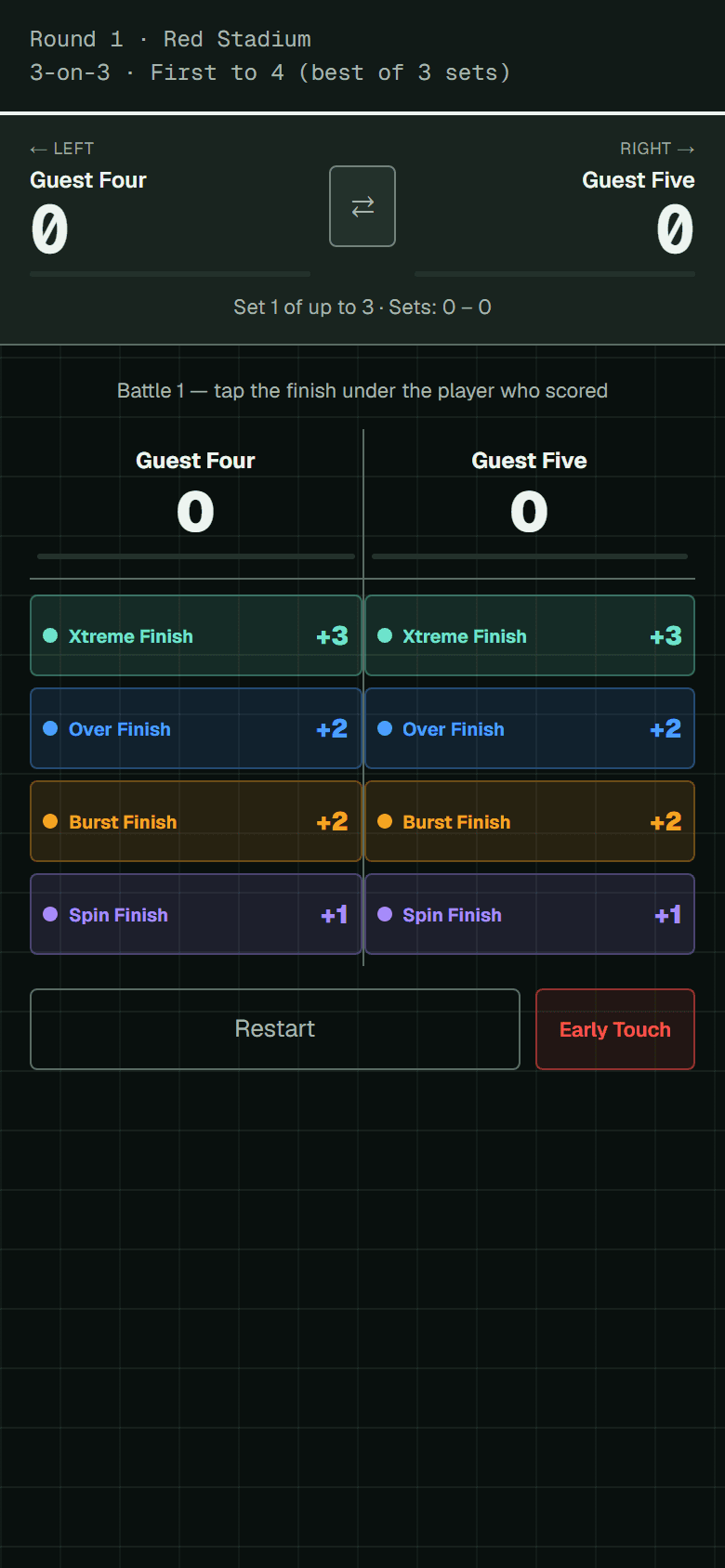
What each finish is worth
| Finish | Points | When |
|---|---|---|
| Xtreme Finish | 3 | |
| Early Bey Touch | 3 | Opponent touched their Bey early — you score |
| Over Finish | 2 | |
| Burst Finish | 2 | |
| Spin Finish | 1 | |
| Penalty | 1 | Second launch error by the opponent |
Own Finish is worth 1, and only sometimes
When a Bey exits on its own with no contact from the opponent, it is worth 1 point instead of the full value. After you tap Xtreme or Over the app asks whether there was contact — answer honestly and it does the arithmetic.
This never applies to Burst or Spin finishes, so it will not ask about those.
Launch errors and penalties
Launch errors are tracked per player across the whole match, not per battle.
First launch error
Flags a pending penalty against that player, and the battle restarts. Nobody scores.Second launch error by the same player
Their opponent scores 1 point, and the battle restarts.
The app remembers who is carrying a pending penalty and shows it, so you do not have to keep it in your head across a long match.
Early Bey Touch is different, and it is worth 3
If a player touches their Bey before they should, their opponent scores a full 3 points. It is its own button, not a penalty.
Restarting a battle
Some things mean a battle simply did not happen. Tap restart and pick the reason — the app records it in the match log, which is what the organizer reads if anything is questioned later.
- Launch Error — applies the pending penalty described above
- Draw — both Beys stopped together
- Failed Launch — a Bey did not release or spin
- Mid-Air Collision — the Beys touched before reaching the stadium
- Part Broke — a Bey part broke mid-battle
- Judge Discretion — fair play was compromised and you are calling it
If something goes wrong
You cannot undo a submitted score. The organizer can.
Once you submit, correcting it is the organizer's job — they can override a result or roll a whole round back. Do not try to fix it by submitting again.
Tell them what happened and let them sort it. That is the whole procedure.
Your phone locked, or the app closed. Reopen the match. Everything you had tapped is still there — it is saved on your phone as you go.
The venue has no signal. Keep scoring. Submissions queue up on your phone and send themselves when you are back online, and the app will not double-submit a match that already landed.
The match vanished. That usually means the organizer rolled the round back while you were on it. Go back to the queue and take the replacement.
The players disagree with the result. Players get a short window to contest after a round finishes, and the organizer decides. It is not your call, and you do not need to get involved.
King of the Hill is different
If you are judging a King of the Hill event, a reported score is final immediately — there is no contest window and the hill frees up straight away for the next challenger. If something is wrong, the organizer uses Undo a Match on the board.